New
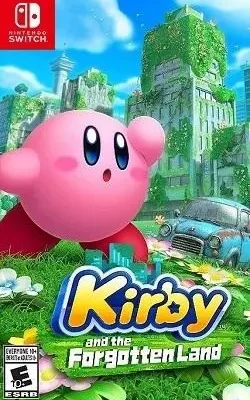
Download Nintendo Switch ROMs in NSP and XCI formats for consoles and emulators.
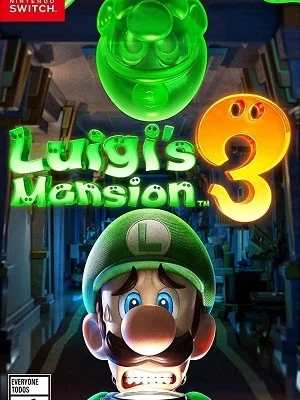
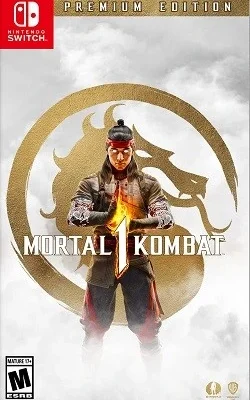
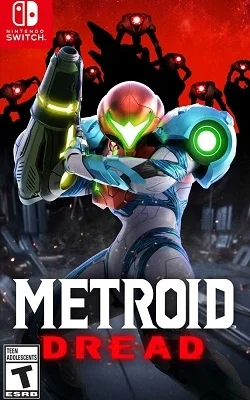



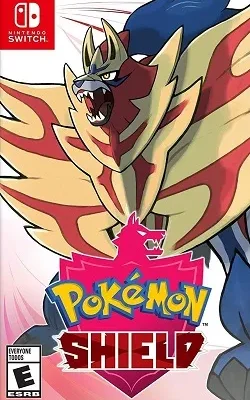
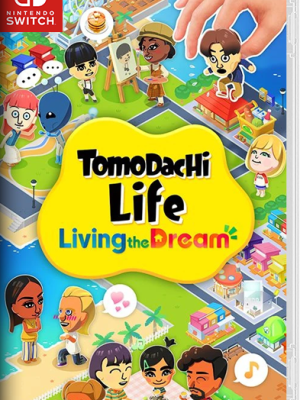
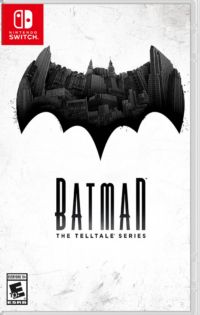
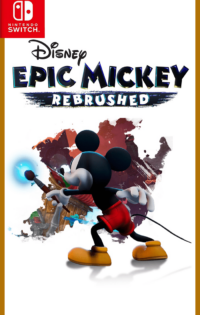
Ryujinx is a free and open-source Nintendo Switch emulator for Windows, Mac, and Linux, written in C#. It is known for its accurate emulation, which means most games look and behave the way they do on a real Switch. The interface is clean and simple, games can be added in a few clicks, and options like resolution scaling and controller profiles are easy to adjust, which makes it a strong first choice for playing on a computer.
Yuzu is a well-known open-source Nintendo Switch emulator for PC and Android, made by the team behind the Citra emulator. It supports a large part of the Switch library and gives players plenty of control, including graphics settings, resolution scaling, motion controls, and support for many different controllers. If you like to fine-tune how your games look and run, Yuzu offers more settings than most emulators.
Suyu is a community-maintained emulator based on Yuzu, created so development could continue with new fixes and improvements. It runs on Windows, Linux, and Android, keeps the familiar Yuzu-style interface, and works with the same game formats, firmware, and keys. For players who want a modern option that is still being worked on by its community, Suyu is the natural successor to try.
Egg NS is a Nintendo Switch emulator built for Android phones and tablets, so you can play Switch games without a PC. It reads NSP and XCI game files directly and maps the Switch controls onto your touchscreen, with support for connecting a physical controller as well. Performance depends on your phone's processor, so newer and more powerful devices will always give the smoothest results.
Nintendo Switch ROMs are digital copies of Switch games stored as files you can keep on a PC or phone. On Switch ROMs Download you can search the library by name, or browse hand-picked pages and categories, and every game page shows its details, file format, size, and screenshots, so finding the title you want only takes a few seconds.
Simple pages, correct information, and games that are easy to find. Every title here gets its own page with real details, release dates, and screenshots, and the library is updated regularly with new releases. There are no confusing layouts or endless pop-up mazes, just a clean catalogue built for Switch players.
Yes. Switch ROMs Download is built to be a clean and safe place to browse Switch games. The pages contain no hidden installers or bundled junk, and every listing is checked so the information you read matches the game it describes. As with any download, keeping a good antivirus on your device is always a smart habit.
No. Switch ROMs Download is completely free to use and always will be. You can browse the whole library, open any game page, and download without paying anything or creating an account. The site is maintained by a small team of Switch fans who keep it running for the community.
The site collects Nintendo Switch games into one organised catalogue. Each game has its own page with an overview, screenshots, format, size, and download information, and the pages are kept up to date as new versions appear. Pick a game, read its page, follow its download steps, and then play it on your console or on one of the emulators listed above.
Start with the search bar if you already know the game you want, or browse by genre, region, or language from the menu. Open the game's page to check its details and firmware needs, download the file, and load it into your emulator or console. Everything is laid out step by step, so the whole process only takes a few minutes.